PayMe Limits: Upgrading Your Account with a HKID
Oh, PayMe. It's one of those apps that you probably heard about the moment you landed in Hong Kong, and then quickly realised just how indispensable it is for everything from splitting a dim sum bill with friends to paying your personal trainer. But if you've been navigating the Hong Kong digital payment landscape with an unverified PayMe account, you've likely hit those frustrating transaction limits, leaving you wondering why you can't just send more money. This guide is here to walk you through exactly how to unlock PayMe's full potential by upgrading your account with your Hong Kong Identity Card (HKID), sharing all the tips and tricks I've learned from years of using it myself.
Understanding PayMe: The Expat's Go-To for Quick Cash in Hong Kong
When you first arrive in Hong Kong, setting up your finances can feel like a labyrinth. Between opening bank accounts and figuring out local payment methods, it’s a lot to take in. That’s where apps like PayMe by HSBC truly shine, becoming an absolute lifesaver for daily transactions. I remember when I first moved here, fumbling with cash for every little thing, until a local friend introduced me to PayMe. It completely changed the game for me.
What is PayMe and Why Every Expat Needs It
At its core, PayMe is a peer-to-peer (P2P) payment application developed by HSBC, one of Hong Kong’s largest banks. It allows users to send and receive money instantly from their smartphones, all linked directly to their bank accounts. Think of it as your digital wallet for casual transactions, but with the backing of a major financial institution. It’s incredibly popular here, almost to the point where if you don’t have PayMe, you might feel a bit left out of the loop. Need to chip in for a group dinner? PayMe. Your helper needs their monthly allowance? PayMe. Spotted a bargain on Carousell and need to pay the seller on the spot? You guessed it, PayMe.
For expats, especially those new to the city, PayMe offers a seamless way to integrate into the local financial ecosystem without needing to carry a wad of cash everywhere. It bypasses the need for bank transfers, which can sometimes involve multiple steps and delays, especially if you're transferring between different banks. The convenience factor cannot be overstated. From hawker stalls to small businesses, many places now accept PayMe, often displaying a QR code for quick scanning. This is crucial for expats who might not yet be fully fluent in Cantonese and want to avoid miscommunications when handling cash or card payments. It genuinely simplifies daily life, freeing up your mental energy for the more complex aspects of settling into a new city.
The Initial Setup: What to Expect Before Verification
Setting up PayMe is quite straightforward. You download the app, typically from the App Store or Google Play, and then you’ll be prompted to link it to a Hong Kong bank account. This is usually where most expats start, linking their local bank accounts, often with HSBC itself, or other major banks like Standard Chartered or BOC. The app will ask for basic personal details during this initial stage.
What many newcomers don’t realise is that this initial setup often results in an "unverified" account. You can absolutely use PayMe right away, which is a blessing when you need it in a pinch. However, these unverified accounts come with significant limitations on how much you can send and receive, which can quickly become a bottleneck for anyone living a regular life in Hong Kong. For instance, you might find yourself unable to pay for a slightly larger group dinner or sending money to cover a utility bill. The app will simply stop you, displaying a message about exceeding your limits. It’s a mild annoyance at first, but it quickly graduates to a major inconvenience, making the full verification process almost mandatory for a stress-free experience.
The Nitty-Gritty of PayMe Limits: Unverified vs. Verified Accounts
The difference between an unverified and a verified PayMe account is like night and day. It genuinely impacts how much you can rely on the app for your everyday financial needs. Before you even think about upgrading, it’s helpful to understand what those limitations look like.
Transaction Limits for Unverified Accounts
When you first sign up for PayMe and link a bank account without going through the full identity verification process, your account operates under a set of lower limits. These are designed for basic usage, perhaps for someone who only occasionally needs to send small amounts. Many expats find that these limits are quickly outgrown.
Typically, an unverified account will have quite restrictive limits on monthly and annual transactions. While these exact figures can be subject to change by HSBC, historically they've been around HKD 5,000 for monthly outgoing payments and HKD 10,000 for yearly outgoing payments. Incoming payments might have similar caps. Imagine trying to pay your share for a group activity, say, a weekend junk trip that costs HKD 1,000 per person. If you and your partner both have unverified accounts, you might find yourselves hitting that HKD 5,000 monthly cap with just a few such transactions.
This becomes particularly frustrating when you're trying to manage household expenses or reimburse friends for larger purchases. It forces you to rely on cash or traditional bank transfers, which defeats the purpose of the convenience PayMe offers. Many expats also use services like Wise for international remittances, but for local, quick transfers, PayMe is king. Having an unverified account means constantly monitoring your usage, which is an unnecessary mental burden.
The Jump: What Verified Accounts Unlock
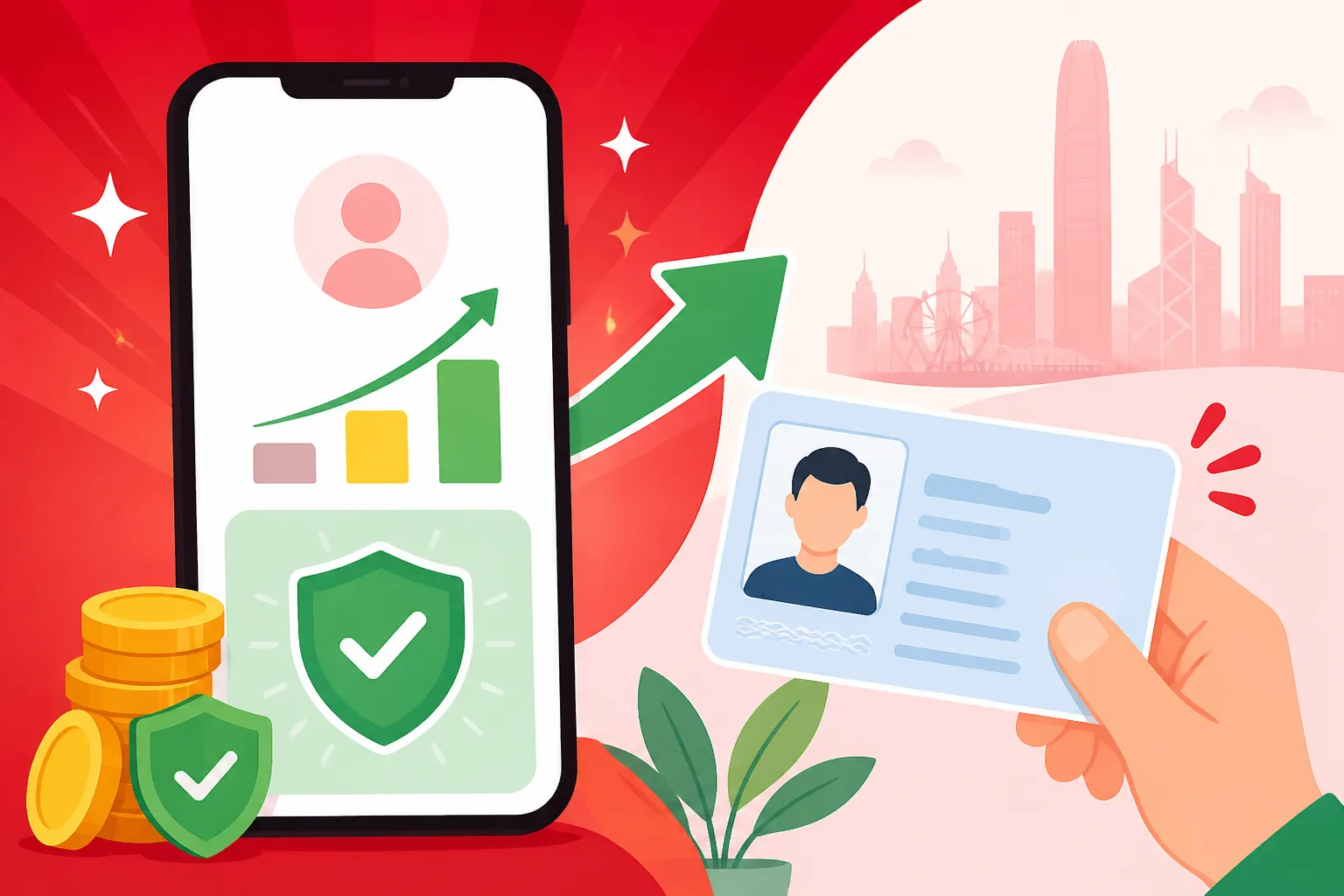
This is where the magic happens. Upgrading to a verified PayMe account, particularly by using your HKID, dramatically increases your transaction limits, transforming the app into a genuinely powerful financial tool.
With a fully verified account, your monthly and annual transaction limits skyrocket. While specific figures can vary and are subject to HSBC’s discretion, typical verified limits for monthly outgoing payments are in the range of HKD 50,000 or even up to HKD 200,000 if you have an HSBC account and link it. Annual limits often reach HKD 300,000 or more. These higher thresholds mean you can comfortably use PayMe for almost any daily or even monthly expense without worrying about hitting a ceiling.
Here’s a quick comparison of what you can expect:
| Feature | Unverified Account (Approximate) | Verified Account (Approximate) |
|---|---|---|
| Monthly Outgoing | HKD 5,000 | HKD 50,000 – HKD 200,000+ |
| Annual Outgoing | HKD 10,000 | HKD 300,000+ |
| Receiving Limits | Similar to outgoing | Significantly higher |
| Account Funding | Limited | More flexible |
| Security | Basic | Enhanced due to identity linking |
Note: These figures are approximate and subject to change by HSBC. Always check the latest terms and conditions within the PayMe app or on HSBC's official website.
These increased limits make a massive difference. You can pay your domestic helper, transfer money for rent to a flatmate, or even contribute to a sizable group gift without a second thought. It truly elevates PayMe from a 'nice-to-have' app to an 'absolute essential' for expat life in Hong Kong.
Upgrading Your PayMe Account with Your HKID: A Step-by-Step Guide
The process of upgrading your PayMe account using your HKID is straightforward, but it does require a bit of attention to detail. Don't worry, it's nothing too complex, and once it's done, you'll wonder why you didn't do it sooner.
Why Your HKID is Crucial for Full PayMe Functionality
Your Hong Kong Identity Card (HKID) isn’t just a piece of plastic; it's your key to unlocking so many essential services and benefits in this city. For financial services, including banking and digital wallets like PayMe, the HKID serves as the primary document for identity verification. It's how the system confirms you are who you say you are, which is vital for security and compliance with anti-money laundering regulations.
For expats, the HKID is particularly important because it signifies your legal residency status. Without it, you’re limited to very basic services. Once you've gone through the process of getting your Hong Kong Identity Cards HKID Registration and Smart IDs, you'll find it streamlines countless administrative tasks. For PayMe, verifying your identity with your HKID elevates your account status from a basic, limited profile to a fully recognised user with significantly higher transaction capabilities. It's also a prerequisite for certain features within the app, ensuring that you can participate fully in Hong Kong's digital economy. This step is about more than just convenience; it's about robust security and regulatory adherence.
The Verification Process: A Walkthrough
Alright, let's get down to business. Here’s how you typically go about upgrading your PayMe account with your HKID:
- Open the PayMe App: Launch the PayMe by HSBC app on your smartphone.
- Navigate to Settings/Profile: Look for an option related to "Upgrade Account," "Verify Identity," or "Account Limits" within the app's menu or profile section. This is usually pretty prominent if your account is unverified.
- Choose HKID Verification: The app will present options for verification. Select the HKID option.
- Prepare Your HKID: You'll need your physical HKID card handy. Ensure it’s clean and that the lighting is good to avoid glare.
- Scan Your HKID: The app will typically prompt you to take photos of both the front and back of your HKID. Make sure the entire card is within the frame and all details are clear and legible. Some apps use OCR (Optical Character Recognition) technology to automatically read the details.
- Selfie Verification (Liveness Check): This is a common security step. You might be asked to take a selfie or a short video of yourself to match your face to the photo on your HKID. This "liveness check" often involves specific instructions like turning your head, blinking, or speaking a few words to confirm you’re a real person and not just a picture.
- Confirm Details: After scanning, the app will display the information it extracted from your HKID. Carefully review these details to ensure they are all correct. If anything is wrong, you may need to re-scan.
- Submit for Review: Once you've confirmed everything, submit your application. The app will then process your request.
- Wait for Confirmation: Verification isn't instant. HSBC will need to review your submitted documents. This usually takes a few business days. You'll receive a notification within the app, or an SMS/email, once your account has been successfully upgraded.
Throughout this process, make sure your internet connection is stable. Any interruptions could mean you have to start over. It's a quick process once you get going, but those few days of waiting can feel like an eternity when you're eager to unlock those higher limits!
Troubleshooting Common Verification Hurdles
Even though the process is generally smooth, a few hiccups along the way are reported. Here are some common issues expats face and how to tackle them:
- Poor Photo Quality: This is probably the most frequent issue. Blurry photos, glare from lighting, or incomplete shots of your HKID will lead to rejection. Tip: Take photos in good, even light, preferably natural daylight, and place your HKID on a flat, dark surface to create contrast. Ensure no fingers are covering any part of the card.
- Mismatched Details: The name or other details on your PayMe account must exactly match what's on your HKID. If you used a nickname or a different spelling when you first registered for PayMe, you’ll need to update that information before submitting your HKID for verification.
- Liveness Check Failures: Sometimes, the selfie verification can be finicky. Ensure you’re in a well-lit environment and follow the on-screen prompts precisely. Remove glasses or hats if they're causing issues.
- Outdated App Version: Make sure your PayMe app is updated to the latest version. Older versions might have bugs that interfere with the verification process.
- Temporary System Glitches: Occasionally, the system might experience temporary issues. If you’ve tried everything and it’s still not working, wait a few hours or a day and try again.
- HKID Data Not in System: For very new residents who just received their HKID, sometimes there's a slight delay before the data is fully propagated across all government and financial systems. If you've just picked up your HKID, give it a few days before attempting PayMe verification.
If you encounter persistent problems, don’t hesitate to contact PayMe's customer support. They usually have an in-app chat function or a dedicated helpline. Remember, they’ve seen it all, so don’t be shy about asking for help.
Maximising Your PayMe Experience: Tips for Expats
Once your PayMe account is fully verified, you’ll unlock a new level of financial convenience in Hong Kong. But there’s more to it than just increased limits! Let's talk about how to really make PayMe work for you in your daily expat life.
Linking Bank Accounts and Credit Cards
One of PayMe’s strengths is its flexibility in how you fund your account. While linking your primary Hong Kong bank account is the most common method, you can also link multiple bank accounts and even credit cards.
- Linking Multiple Bank Accounts: This is super useful if you manage finances across different institutions, say, one for personal spending and another for shared household expenses. You can easily switch which bank account PayMe draws funds from. This feature streamlines budgeting and ensures you always have funds available in PayMe without having to manually transfer between your own accounts first.
- Linking Credit Cards: This is where things get really interesting for points chasers! You can use certain credit cards to top up your PayMe account, and in some cases, these top-ups might earn you credit card points or cashback. This is a fantastic way to passively accrue rewards on expenses you’d be paying anyway. However, always check the specific terms and conditions of your credit card and any associated fees for PayMe top-ups, as these policies can change. For example, some cards might count PayMe top-ups as a cash advance or exclude them from rewards programs. It's a smart move to leverage this, but do your homework! You can also check out our guide on Getting Approved for a Credit Card as a New Resident in HK for more insights on building your credit here.
Integrating PayMe with Daily Life in Hong Kong
Beyond just sending money to friends, PayMe is deeply woven into the fabric of daily life here.
- Paying Merchants: Look out for the distinctive pink PayMe QR code at small shops, markets, and even some restaurants. It's a quick and contactless way to pay, especially useful if you're trying to avoid carrying too much cash. This is far more common than you might expect, even in places that don't readily accept credit cards.
- Utility Bills and Services: While not universal, some service providers are starting to accept PayMe. Always check your bill or their website for payment options.
- Group Payments: The "Split Bill" feature is a godsend for group meals or shared expenses. No more awkward calculations or IOUs – just input the total, select who to split it with from your contacts, and PayMe handles the requests.
- Promotions and Discounts: Keep an eye on the "Offers" section within the PayMe app. HSBC frequently partners with merchants to offer exclusive discounts, cashback, or special deals for PayMe users. These can range from dining to shopping and can add up to significant savings over time.
- Sending Money Overseas (Indirectly): While PayMe itself is for local HKD transactions, having your primary funds in PayMe means you might use less of your main bank account balance, freeing it up for services like Wise for international transfers back home. This creates a nice synergy for managing both local and international finances efficiently. When thinking about Sending Money Home International Remittances and Forex Rates, every little bit of local payment convenience helps you manage your overall cash flow.
Embracing PayMe, especially with a fully verified account, will undoubtedly make your financial life in Hong Kong much smoother and more efficient. It removes many of the small frictions of daily transactions, allowing you to focus on enjoying everything this incredible city has to offer. Just ensure you keep the app updated and stay aware of any changes in its terms and conditions.
Disclaimer
The information provided in this guide is for general informational purposes only and does not constitute financial or legal advice. PayMe policies, limits, and verification processes are subject to change by HSBC. Readers should always refer to the official PayMe by HSBC app, their website, or contact their customer service for the most current and accurate information. Individual circumstances may vary, and it is recommended to seek professional advice where necessary.