e-Visa System: Applying, Downloading, and Airport Clearance
Transitioning to a new life in Hong Kong is exhilarating, but the administrative shift from physical passport stickers to the digital e-Visa system can be incredibly confusing for new arrivals. This guide demystifies the entire process, from submitting your initial application and downloading the correct QR codes to navigating the high-tech sensors at the Hong Kong International Airport.
Understanding the Shift to the Hong Kong e-Visa System
If you moved here a decade ago, you probably remember the satisfaction of seeing a colorful, holographic sticker pasted into your passport. It felt permanent and official. However, as of late 2021, the Hong Kong Immigration Department (ImmD) moved entirely to a digital-only format. This was a massive shift intended to reduce physical contact and streamline the renewal process. While it sounds efficient on paper, the lack of a physical mark in your passport often leaves expats feeling a bit "naked" when they travel.
The transition to the e-Visa means that your permission to stay is no longer tied to a physical label that can be lost, damaged, or forged. Instead, it exists as a record in the ImmD database, accessible via a "Notification of Result" PDF document that contains a highly secure encrypted QR code. This digital record is what you will use to prove your status to employers, banks, and landlords. For a broader look at how this fits into the overall entry requirements, you should consult the Hong Kong Visas and Immigration: The Complete 2027 Guide to understand where the e-Visa fits in your relocation timeline.
Who exactly needs an e-Visa? Essentially, anyone applying for an entry visa for employment, investment, training, or study, as well as those applying for extensions of stay. This includes individuals under the General Employment Policy (GEP): Standard Work Visas for Expats and those bringing their families over via Dependent Visas in HK: Bringing Spouses and Children. Even if you are already in Hong Kong and just need to renew your current status, you will be issued a digital e-Visa rather than a new sticker.
Step-by-Step Guide to Applying for an e-Visa Online
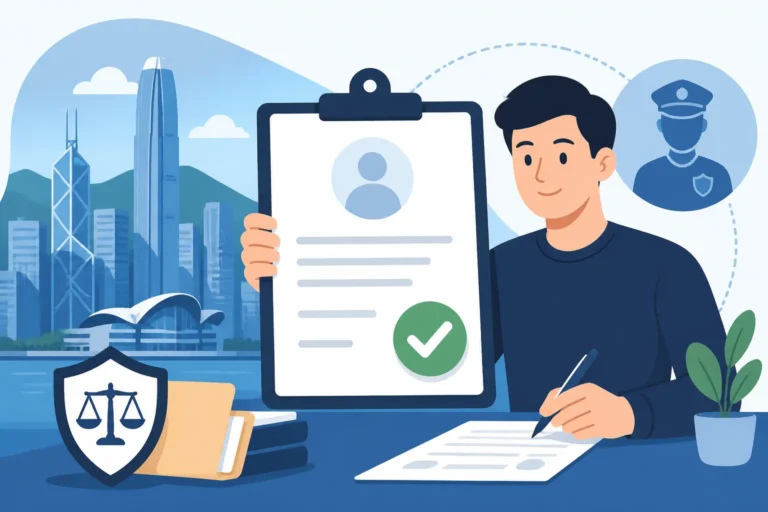
The application process is now almost entirely handled through the GovHK website or the ImmD mobile app. The "Apply Online" button is your gateway to residency, but the interface can be a bit finicky if you aren't prepared. Before you even log in, ensure your internet connection is stable. The portal has a habit of timing out if you spend too long looking for a document, which can be incredibly frustrating after you've spent thirty minutes typing in your employment history.
Documentation is where most applications hit a snag. The system requires specific file formats—usually JPEG or PDF—and there are strict size limits for each upload. If your documents are in a language other than English or Chinese, you cannot simply upload the originals. You will need to use a certified service like RushTranslate to ensure your marriage certificates or university degrees are legally recognized by the ImmD. Uploading a blurry photo of a document or an unofficial translation is the fastest way to get a "Request for Information" (RFI) email, which can delay your visa by weeks.
Common pitfalls during the application include entering your name exactly as it appears on your passport's machine-readable zone (MRZ) and ensuring your passport has at least six months of validity remaining. Many expats forget that if they are applying for a specialized category like the Top Talent Pass Scheme (TTPS): The Fast-Track Work Visa, the criteria for digital evidence of high income or top-tier graduation are very specific. If the system rejects a file, don't just keep trying to upload the same one; check the resolution and the file extension.
| Feature | Old Physical Label System | New e-Visa System |
|---|---|---|
| Issuance Method | Physical sticker in passport | PDF / Digital QR Code |
| Processing | Required visiting ImmD or mail | Fully online via GovHK/App |
| Fee Payment | Cash/Cheque at counter | Online (Credit Card, PPS, FPS) |
| Durability | Can peel, fade, or be damaged | Infinite digital copies available |
| Airport Clearance | Visual inspection by officer | Scannable QR and Biometrics |
| Verification | Visible to anyone holding passport | Requires scanning of encrypted code |
Downloading and Managing Your e-Visa
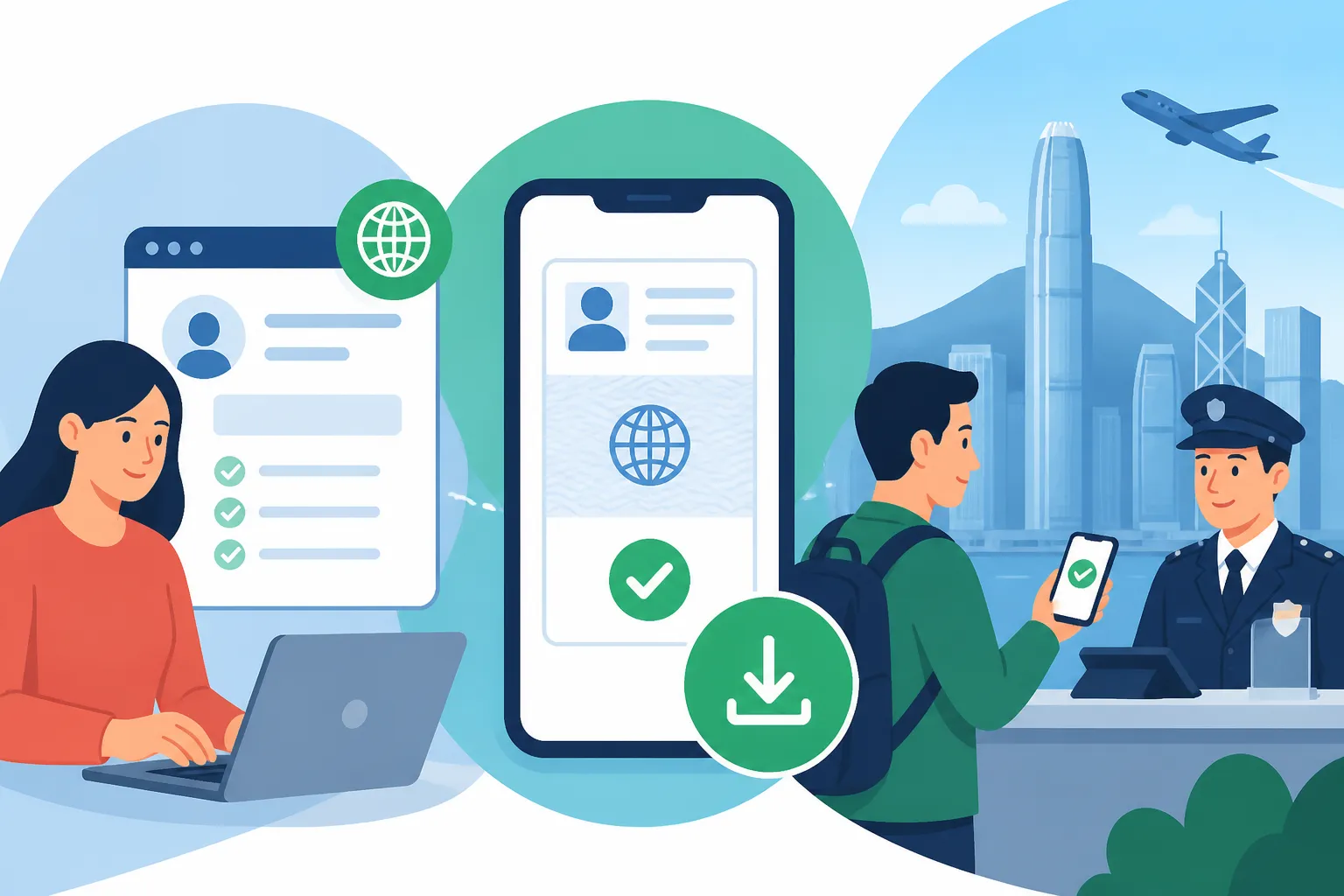
Once your application is approved, you won't receive a physical letter in the mail. Instead, you will receive an email notification. You then need to log back into the portal to pay the visa fee (if applicable) and download your "Notification of Result." This document is your lifeblood in Hong Kong. It contains your name, passport number, the date your visa was granted, and, most importantly, the encrypted QR code. You can find more details on how to handle these files in our guide on E-Visa QR Codes: Printing vs Saving on Your Mobile Device.
I cannot stress this enough: download the ImmD Mobile App. It has a dedicated "e-Visa" folder where you can store your digital document securely. However, technology is never 100% reliable. Expats can get stranded at the boarding gate because their phone battery died or their screen was too cracked for the scanner to read the QR code. Always keep a high-quality physical printout of your e-Visa in your travel folder. This isn't just for the airport; you'll need it when you go to your appointment for Hong Kong Identity Cards (HKID): Registration and Smart IDs.
Reading your e-Visa is straightforward, but pay close attention to the "Limit of Stay." This is the date you must leave Hong Kong or apply for an extension. If you are on the path toward Right of Abode (Permanent Residency): The 7-Year Journey, any lapse in your visa status—even by a single day—can reset your seven-year clock. Treat your digital file with the same reverence you would a physical passport; back it up to a secure cloud drive and share a copy with a trusted family member.
Clearing Immigration: From Planes to the e-Channel
Arriving at Hong Kong International Airport (HKIA) with an e-Visa for the first time is a nerve-wracking experience for many. When you land, follow the signs to "Immigration." If this is your very first entry on a new visa, you must use the staffed counters. You cannot use the automated gates until you have completed your initial "activation" and, in most cases, registered for your HKID. Present your passport and either the digital or printed copy of your e-Visa QR code to the officer.
The officer will scan your passport and the QR code, and then they will hand you a small, square piece of thermal paper known as a "Landing Slip." This slip is crucial. It contains your name, HKID number (if you have one), and the specific conditions of your stay (e.g., "Employment – Permitted to remain until DD/MM/YYYY"). Do not lose this slip. While your status is digital, many local banks and government offices still ask to see the physical landing slip from your most recent entry. It’s an old-school quirk in a high-tech city.
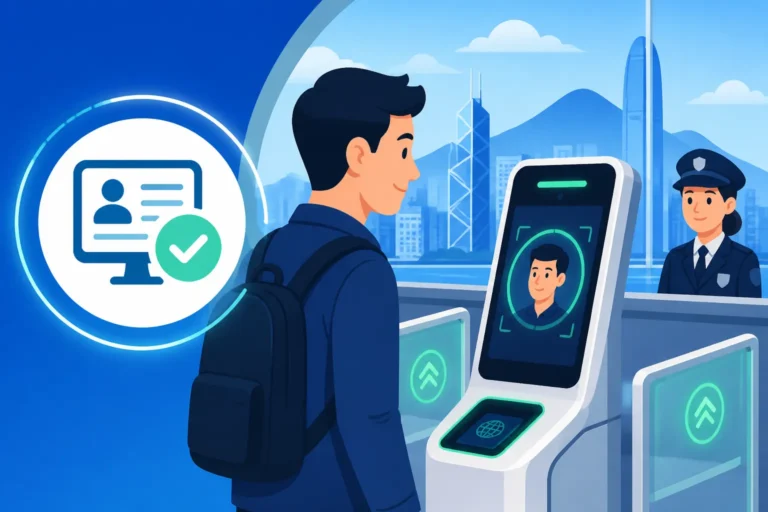
Once you have your HKID and have been in the city for a while, you can start Immigration Clearance: Using the "Contactless e-Channel". This is one of the coolest parts of living in Hong Kong. You walk up to a glass gate, it scans your face or your encrypted HKID, and the gate opens without you ever speaking to a human. However, even when using the e-channel, your e-Visa must be valid and linked to your passport in the system. If you recently renewed your passport, you must update the ImmD before the e-channel will work for you again.
Renewals and Changes: Keeping Your e-Visa Current
Living in Hong Kong as an expat usually involves a series of two- or three-year visa cycles. When it comes time to renew, the e-Visa system makes it much easier because you don't have to leave your passport at the Immigration Tower in Wan Chai for a week. You simply submit your extension application online. If you are curious about your progress, you can use the official tool to How to Check Your Visa Application Status Online to see if your renewal has moved from "Submitted" to "Approved."
What happens if you change jobs? Under the GEP, your visa is tied to your employer. You must apply for a change of sponsorship before you start your new role. Once approved, you will be issued a new e-Visa reflecting the new employer's details. If you are relocating with a family and perhaps a pet, the logistics get even more complex. While you handle the human e-Visas, you might want to look into a service like Pet-Journey to handle the digital permits and quarantine requirements for your four-legged family members.
It is also vital to keep your medical coverage active during these transition periods. Most employer-provided insurance has gaps during job changes. Using a flexible provider like SafetyWing can provide a safety net while you wait for your new e-Visa to be processed and your new company's insurance to kick in. Remember, if your visa expires while you are waiting for a renewal, you are technically in a "bridging" period, but you should always confirm this with your case officer to avoid any overstay penalties.
Technical Troubleshooting and Support
The most common technical issue is a "dead" QR code. Sometimes, the PDF doesn't render correctly on certain mobile devices, causing the QR code to appear blurry or distorted. If the scanner at the airport or a government office can't read it, don't panic. Usually, simply zooming in on the code or adjusting your screen brightness to 100% solves the problem. This is exactly why a physical backup is your best friend; paper doesn't have glare or battery issues.
If you lose your phone and your passport simultaneously, the digital nature of the e-Visa is actually a blessing. As long as you can access your email or the GovHK portal from another device, you can re-download your e-Visa. However, you will need to report your lost documents to the police and then head to the Immigration Tower. For those on a long-term track, like those nearing their Right of Abode (Permanent Residency): The 7-Year Journey, keeping a digital "emergency kit" with scans of every e-Visa and landing slip you’ve ever received is a veteran move that will save you hours of stress later.
If you encounter a genuine error—such as your name being misspelled on the e-Visa—you must contact the Immigration Department’s helpdesk immediately. You can find their contact details on the ImmD website. Do not attempt to enter Hong Kong with an e-Visa that has incorrect personal data. The officers at the border are generally helpful, but they cannot fix database errors on the spot. Resolving these issues in advance ensures that your arrival is a celebration, not a bureaucratic nightmare.
Preparation Checklist for New Arrivals
Your first 24 hours in Hong Kong will be a whirlwind of sights, smells, and sounds. Once you’ve cleared immigration with your e-Visa and grabbed your luggage, your first stop should be getting an Octopus card and a local SIM card. Your foreign phone number might work for roaming, but you’ll need a local number for almost every digital service in the city, including many of the verification steps for government apps.
Within your first week, you must book an appointment for your HKID. This is a legal requirement for anyone staying longer than 180 days. Use our Essential Health Checklist for Your First 30 Days in Hong Kong to make sure you aren't neglecting your well-being while you hunt for an apartment and set up your bank accounts. Hong Kong moves fast, and it is easy to get burnt out by the sheer volume of "to-do" items during your first month.
Finally, keep your e-Visa stored in a "Travel" folder on your phone's home screen. You will be surprised how often you need to reference it in the early days—whether it’s for signing a lease, setting up a utilities account, or proving your right to work to a new HR department. By mastering the e-Visa system now, you are setting yourself up for a smooth, digital-first life in one of the most vibrant cities on earth.
Disclaimer
This guide is intended for informational purposes only and does not constitute legal or professional immigration advice. Immigration laws and digital systems in Hong Kong are subject to frequent change. Always verify the latest requirements and procedures directly with the Hong Kong Immigration Department or a qualified legal professional before making travel or residency plans. Any reliance you place on the information provided in this article is strictly at your own risk.