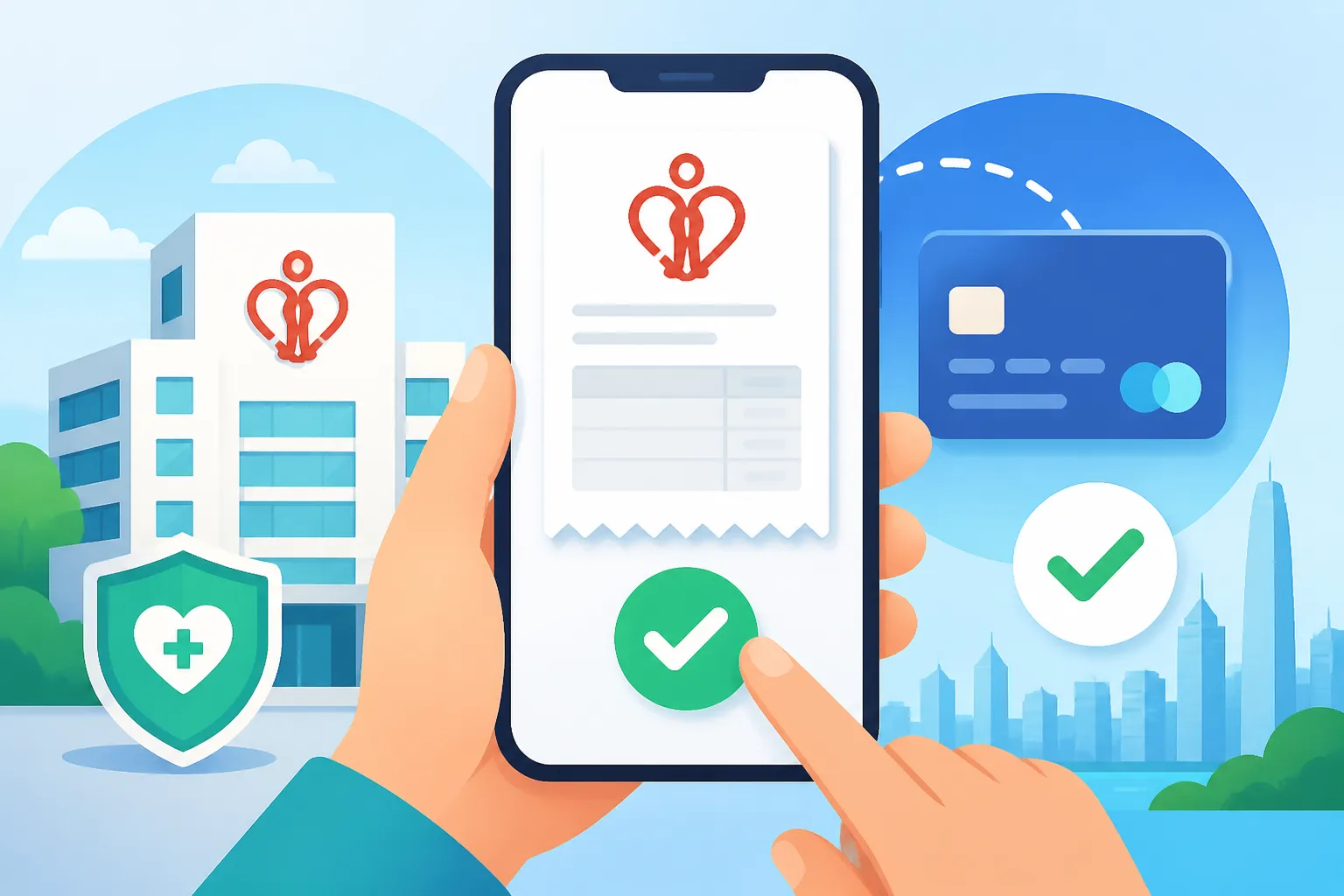
How to Pay Your Hospital Authority Bill Online via FPS
Navigating the administrative maze of the public hospital system while you are feeling under the weather is one of the most taxing experiences for any expat in this city. I still remember my first visit to the emergency room at Queen Mary Hospital, clutching my HKID and a paper bill, wondering why the queue for the payment counter was longer than the one for the doctor. This guide solves that frustration by walking you through the seamless process of paying your Hospital Authority bills online using the Faster Payment System (FPS).
The Evolution of Hospital Authority Billing for Expats
The Hospital Authority (HA) manages all public medical facilities in Hong Kong, and while the care is world-class, the administrative side has historically been very paper-heavy. For years, the only way to settle a bill was to wait in a physical line at the "shroff" or billing counter within the hospital. If you’ve ever spent four hours in a waiting room, the last thing you want to do is spend another thirty minutes in a queue just to pay a hundred dollars.
Fortunately, the digital transformation in the city has finally reached the public health sector. Understanding how to handle these payments digitally is essential, especially since the fees vary wildly depending on your residency status. If you are a permanent resident or a valid employment visa holder, you fall under the subsidized rates, which you can read more about in our guide on Hospital Authority Fees: Eligible Persons (EP) vs Non-Eligible Persons (NEP). However, even with subsidies, the bills for medication, follow-up appointments, and diagnostic tests can add up, making a quick payment method like FPS a lifesaver.
The introduction of the Faster Payment System (FPS) has changed the game. It allows for instant, cross-bank transfers 24/7. When you combine this with the HA's digital push, you no longer need to carry cash or wait for a clerk to stamp your invoice. You can settle your balance from the back of a taxi on your way home, provided you have the right apps installed.
Getting Started with the HA Go App
Before you can pay your bill via FPS, you really should download the HA Go app. This is the official "all-in-one" mobile platform for the Hospital Authority. While you can pay bills via the web portal or at kiosks, the app offers a centralized location for your appointment slips, medication records, and payment history.
Setting up the app requires a bit of one-time effort. You will need to register with your HKID and then verify your identity in person at a hospital or clinic. I know, it sounds counterintuitive to go to a hospital just to set up an app to avoid hospitals, but once it is done, you are set for life. If you haven't done this yet, check our tutorial on Using the HA Go App for Booking Public Outpatient Clinics to get the most out of the platform.
Once registered, the app links directly to your patient record. Any time you visit an A&E department or a specialist outpatient clinic, the bill is automatically uploaded to the "Pay HA" section of the app. This eliminates the risk of losing that tiny slip of paper they give you at the nurse's station.
Step by Step Guide to Paying via FPS
Paying via FPS is remarkably straightforward once you know where the buttons are hidden. The Hospital Authority has integrated FPS QR codes into both their physical bills and their digital platforms.
Locating the FPS QR Code on Physical Bills
If you have a physical invoice in your hand, look at the bottom right corner or the back of the slip. You will see a square QR code with the FPS logo in the middle. To pay this:
- Open your preferred banking app (such as HSBC, Standard Chartered, or a virtual bank like ZA Bank).
- Select the "Scan and Pay" or "FPS" option.
- Aim your camera at the QR code on the hospital bill.
- The system will automatically populate the "Hospital Authority" as the merchant and the exact amount owed.
- Confirm the payment and save the screenshot of the success page.
Paying Digitally via the HA Go App
If you are using the HA Go app, the process is even more integrated:
- Open the HA Go app and navigate to the "Pay HA" module.
- You will see a list of outstanding bills. Select the one you wish to pay.
- Choose "FPS" as your payment method.
- The app will generate a QR code on your screen. You can either save this image to your gallery and "import" it into your banking app, or if your phone supports it, the app may trigger a direct "app-to-app" transfer.
- Once the transaction is complete, the status in the HA Go app will update to "Paid" almost instantly.
This method is particularly helpful if you are managing the health of a dependent. You can link your children’s or elderly parents’ accounts to your own HA Go profile, allowing you to settle their bills remotely. This is a crucial feature for those who need to keep a close eye on Registering Your HKID for Subsidized Public Healthcare Rates for their family members to ensure they aren't being overcharged as non-residents.
Comparing Public Hospital Payment Methods
While FPS is often the fastest, it isn't the only way to pay. Depending on your situation, you might prefer other methods. For instance, some expats prefer using credit cards to rack up air miles, or they may still prefer the "tried and true" method of visiting a convenience store.
| Payment Method | Speed | Convenience | Best For |
|---|---|---|---|
| FPS (Online/App) | Instant | High | Immediate settlement without queues. |
| HA Go App (Credit Card) | Instant | High | Expats wanting to earn credit card rewards. |
| 7-Eleven / Circle K | Same Day | Medium | Those who prefer paying with cash near home. |
| Hospital Shroff (Counter) | Manual | Low | Patients needing immediate physical receipts. |
| Electronic Kiosks | Instant | Medium | Paying while still at the hospital building. |
If you are dealing with a significant medical event, such as an emergency admission, the bills can become complex. Knowing the Accident and Emergency (A&E) Triage Categories in Public Hospitals can help you understand why you were charged a certain amount—for example, if you were triaged as a non-urgent case, your wait time and billing sequence might differ.
Insurance Reimbursement and Official Receipts
One common concern for expats using Cigna Global or SafetyWing is whether a digital FPS payment provides enough documentation for a claim. In my experience, insurance providers in Hong Kong are very familiar with the HA billing format.
When you pay via FPS through the HA Go app, the app generates an "e-Receipt." This is a PDF document that carries the same legal weight as a physical receipt. You can download this and upload it directly to your insurance portal. If you are covered by Cigna Global, their portal usually accepts these digital files without any issues. Similarly, for those using SafetyWing for shorter-term stays or "nomad" style coverage, the digital paper trail is much easier to manage than a thermal-paper receipt that might fade in the Hong Kong humidity.
However, if your insurance company is particularly old-school and demands a "certified true copy" or a receipt with a physical chop (stamp), you may still need to visit the shroff. To save time, you can pay via FPS first to settle the debt, and then ask the counter for a printed official receipt at your next follow-up appointment. For a broader look at how these insurance plans interact with our local hospitals, I highly recommend reading Healthcare in Hong Kong: Public vs Private Systems Explained (2027).
Common Issues and Troubleshooting
Even with a system as robust as FPS, things can occasionally go wrong. The most common issue is a "timeout" during the bank redirection. If this happens, do not immediately try to pay again. Check your banking app first to see if the funds were deducted. If they were, wait about 15 to 30 minutes for the Hospital Authority's system to sync.
Another hurdle is for those who haven't yet updated their Registering for a Hospital Authority Patient Number. If you are a new arrival and your HKID is still being processed, you might be issued a temporary patient number. In these cases, the HA Go app might not fully sync your records yet, and you may be forced to scan the physical QR code on your bill rather than finding it in the app’s "Outstanding" list.
If you ever feel there has been a billing error or a mistake in your clinical treatment that led to unnecessary charges, there are formal channels to address this. You can find more information on the process in our guide on Filing a Medical Complaint: The Medical Council of Hong Kong. Generally, the HA is quite fair, but administrative errors regarding your "Eligible Person" status can happen, especially if your visa was recently renewed.
Maximizing Your Healthcare Experience in Hong Kong
Paying the bill is just one small part of managing your health in this city. While the public system is incredible for emergencies and chronic care, many expats choose to supplement this with private care for shorter wait times and more "hotel-like" amenities. If your FPS bills at the public hospital are starting to stress you out, it might be time to look into Private Hospitals in Hong Kong: Admission, Costs, and Insurance to see if a private package fits your budget.
Ultimately, the goal of using tools like FPS and the HA Go app is to reduce the "administrative load" of being an expat. We already have enough paperwork with visas and taxes; our health shouldn't add to that pile. By mastering the digital payment flow, you can focus on what actually matters—getting better and enjoying the vibrant life Hong Kong has to offer. Whether you are covered by Cigna Global for a long-term post or using SafetyWing while you scout out the city, staying on top of your HA bills ensures your record remains clear for future visits.
Disclaimer
This guide is provided for informational purposes only and does not constitute legal or financial advice. Payment systems and Hospital Authority policies are subject to change. Always verify current billing procedures and fees directly with the Hospital Authority or your insurance provider.