Linking Your Bank Account to AlipayHK and PayMe
You’re standing at a crowded dai pai dong in Sham Shui Po, and the waiter points to a small QR code when you ask for the bill. I’ve been there—clutching a $500 note while everyone else simply scans a code and walks away. This guide solves the confusion of linking your bank account to AlipayHK and PayMe, making your local life seamless.
The Mobile Wallet Landscape
Hong Kong has undergone a massive digital transformation over the last few years. While The Octopus Card: Hong Kong's Essential Transport & Payment Tool remains the king of the MTR and buses, mobile wallets like PayMe and AlipayHK have become the standard for everything else. Whether you are splitting a dinner bill, paying for a taxi, or buying groceries at a wet market, these apps are your lifeline. Newcomers often resist at first because they are used to the "swipe and sign" culture, but the speed of local payments is intoxicating once you get it right.
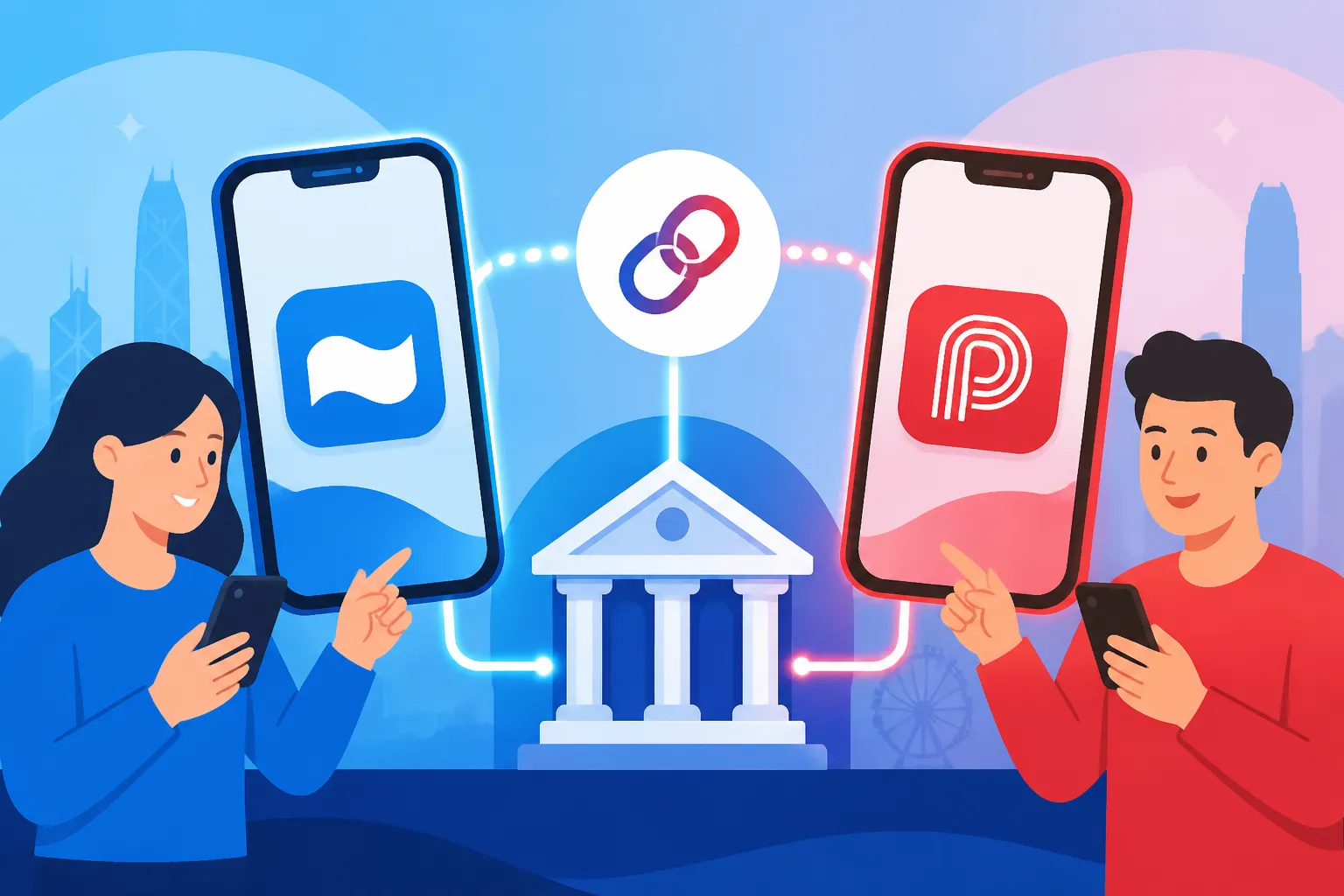
The ecosystem is built on a backend called the Faster Payment System (FPS). This is the "secret sauce" that allows money to move instantly between different banks and wallets. When we talk about linking a bank account, we are essentially talking about setting up a Direct Debit Authorization (DDA) or an FPS link. Understanding this distinction is vital because it determines whether your money is pulled automatically during a purchase or if you have to manually top up your balance every Tuesday.
In the current financial climate, Everyday Budgeting in HK: Cost of Living Benchmarks (2026) shows that digital payments help track spending much better than a pocket full of loose change. By connecting your local bank account, you move away from being a "visitor" and start living like a local. It’s about more than convenience; it’s about financial integration into one of the world's most efficient cities.
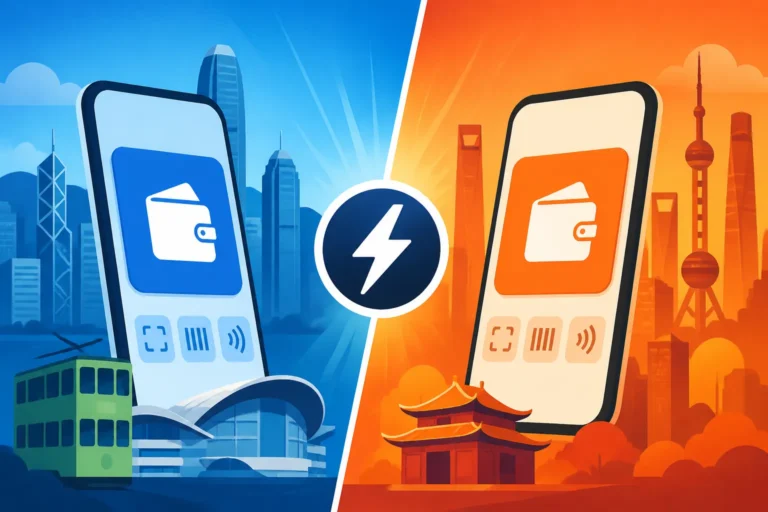
PayMe vs AlipayHK Which One Do You Need
If you ask any local professional, the answer is usually "both." PayMe, owned by HSBC, started as a peer-to-peer (P2P) app. It is the social currency of Hong Kong. If you go out for drinks in Lan Kwai Fong and someone pays the tab, they will invariably say, "Just PayMe me." It’s so ubiquitous that the brand name has become a verb. If you don't have it, you become the "difficult" friend who has to find an ATM to pay back $120.
AlipayHK, on the other hand, is the lifestyle powerhouse. It is deeply integrated with the Alibaba ecosystem, meaning it is the easiest way to pay for Taobao orders, utility bills, and even government fees. While PayMe is for friends, AlipayHK is for the infrastructure of your life. It is also increasingly accepted in Mainland China and Macau, making it a regional tool rather than just a local one.
The Role of Virtual Banks in the Ecosystem
Interestingly, the rise of Virtual Banks in HK: Comparing ZA Bank, Mox, Livi, and Ant Bank has made linking wallets even easier. These banks were "born digital," so their integration with PayMe and AlipayHK is often smoother than the legacy systems of older institutions. If you are still waiting for your physical ATM card from a traditional bank, you can often set up a virtual bank account in minutes and link it to your wallets immediately.
I personally found that using a virtual bank as a "buffer" account for my mobile wallets was a great way to manage my budget. I transfer a set amount of "fun money" to my ZA Bank or Mox account and link that to PayMe. This way, if I get a bit too excited at a Friday brunch, I’m not dipping into the funds I’ve set aside for rent or my Hong Kong Tax Guide for Expats: Salaries Tax and Filing (2026) obligations.
Masterminding PayMe for Social Spending
PayMe is incredibly user-friendly, but for an expat, the initial setup can feel like a gauntlet of "Why isn't my card working?" The app was originally built for HSBC customers, and while it now accepts almost any local bank, the "handshake" between the app and your bank needs to be precise. You need a Hong Kong mobile number and a local bank account. If you are still in your first week and haven't checked off your Essential Health Checklist for Your First 30 Days in Hong Kong, make sure getting that local SIM card is at the top of your list.
Linking your bank account to PayMe is done via the "Bank Accounts and Cards" section in the app settings. You will be asked to choose between linking a credit card or a bank account. My advice? Link the bank account. Credit card top-ups often have lower monthly limits and can sometimes be treated as a cash advance by your bank, leading to nasty interest charges. A direct bank link via FPS is free, instant, and has much higher ceilings for spending.
Step by Step Bank Linking in PayMe
To link your account, you will need your bank's clearing code, branch code, and account number. For example, HSBC is 004, Standard Chartered is 003, and Bank of China is 012. Once you enter these, the app will initiate a "Direct Debit Authorization" (DDA). This is where most people get stuck. Your bank might send you a physical letter or an SMS to confirm that you’re allowing PayMe to "pull" money from your account. Don't ignore this! The link won't be active until you confirm it.
Once the DDA is active, you can set up "Auto-top up." This is a lifesaver. You can set a rule that says, "If my PayMe balance falls below $100, pull $500 from my bank account." This ensures you never have that awkward moment at the cash register where your payment is declined while a line of impatient commuters huffs and puffs behind you.
Managing Limits and Verification
PayMe has different "tiers" of users. If you just sign up with a phone number, your limits will be frustratingly low—sometimes only a few thousand dollars a year. To actually use the app for real life, you must verify your identity using your Hong Kong Identity Card (HKID). The app uses a selfie-scan and a photo of your ID. I’ve found it’s best to do this in bright, natural light; otherwise, the AI fails, and you have to wait for a manual review.
Once verified, your limits jump significantly. This is crucial if you plan on using the app for larger transactions, like paying your share of a junk boat trip or a weekend staycation. Keep an eye on your monthly transfer limits, especially if you are the one who always puts the group dinner on your credit card and expects everyone to PayMe you back. You don't want your "incoming" limit to be reached halfway through the month.
PayMe for Business and Merchants
In 2026, more small businesses use "PayMe for Business." When you see a merchant with a PayMe QR code, you aren't just sending money to a person; you are paying a registered business. This is great because it often comes with consumer protections and sometimes even "P-Coins" or rewards. Always look for the "PayMe" logo at checkout in places like HKTVmall or local boutiques.
AlipayHK for Utility and Lifestyle Integration
While PayMe is the king of social, AlipayHK is the king of the "boring but necessary." I use it to pay my electricity bill (HK Electric), my water bill, and my home internet. Instead of logging into five different websites, I just wait for the notification on AlipayHK, tap "Pay," and it’s done. For an expat who can't read the traditional Chinese characters on a paper bill, the app's English interface is a godsend.
Linking your bank account here is slightly different. You can use the "Balance" feature, which you top up via a bank transfer, or you can link your bank account directly for "Easy Pay." I highly recommend the latter. With Easy Pay, the app just debits your bank account directly at the moment of purchase, similar to a debit card. This is much more efficient than constantly checking if you have enough "balance" in the app itself.
Identity Verification Levels in AlipayHK
AlipayHK is quite strict about its Know Your Customer (KYC) requirements. There are three levels: Unverified, Intermediate, and Fully Verified. As an expat, you want to get to "Fully Verified" as soon as your HKID arrives. This involves scanning your ID and doing a "liveness" check (blinking or turning your head for the camera).
| Feature | Unverified | Intermediate | Fully Verified |
|---|---|---|---|
| Annual Spending Limit | HK$25,000 | HK$100,000 | Unlimited/High |
| Balance Top-up | Limited | HK$5,000/day | HK$50,000/day |
| Cross-border Payment | No | Yes (Limited) | Yes (Full) |
| P2P Transfer | No | Yes | Yes |
If you plan on using AlipayHK for Digital Payments in HK: Octopus, AlipayHK, PayMe, and WeChat Pay, being fully verified is the only way to ensure you don't hit a wall during a major purchase.
Linking to Traditional vs Virtual Banks
Most major banks in Hong Kong have a direct integration with AlipayHK. When you go to "Add Bank Account," the app will often redirect you to your bank's mobile app to "approve" the link. This is the safest way to do it. If you use a bank that isn't on the "Direct Link" list, you can still use the "FPS" method to top up your balance manually.
I’ve noticed that some expats struggle with the "Name Matching" rule. Your name on your AlipayHK account must exactly match the name on your bank account. If your bank has your middle name but your AlipayHK doesn't, the link will likely fail. It sounds like a small thing, but in the rigid world of Hong Kong banking, a missing initial is a deal-breaker.
Using AlipayHK for Cross Border Travel
One of the best updates is how well AlipayHK works in Mainland China. You no longer need a Mainland bank account for short trips to Shenzhen or Guangzhou. By linking your Hong Kong bank account to AlipayHK, you can pay at almost any merchant across the border. The app handles the currency conversion automatically. While the rates are decent, if you are doing heavy spending, you might want to compare the total cost against using Wise for currency management, especially for larger sums.
The Technical Backbone Faster Payment System (FPS)
You cannot talk about bank linking without mentioning FPS. Launched by the Hong Kong Monetary Authority, it allows for 24/7 instant transfers. When you link your bank account to a wallet, you are usually assigning your mobile number or your email address as an "FPS Proxy." This means instead of remembering a 12-digit account number, your phone number is your account identifier.
It is advisable for expats register their HK mobile number for FPS with their primary bank first. Once that is done, linking it to other services like PayMe or AlipayHK becomes much more "plug and play." You can even use it for Setting up FPS Auto-Debit for Your Rent and Credit Card Bills, which automates the most stressful part of the month.
Understanding the DDA Process
Direct Debit Authorization (DDA) is the formal agreement that allows an app to take money from your bank. When you set this up in AlipayHK or PayMe, your bank is legally required to verify your intent. Some banks, like HSBC, allow you to do this instantly in their app. Others might send you a "One-Time Password" (OTP).
The most common point of failure is "Insufficient Daily Limit" on the bank side. Your bank might have a default "Small Value Transfer" limit of $5,000 or $10,000 per day. If you try to pay a $15,000 bill via AlipayHK, it will fail even if your bank account is "linked." You must log into your bank's online portal and manually raise your FPS and DDA transfer limits.
Troubleshooting Failed Links
If your link keeps failing, check the following:
- Mobile Number: Is the number registered with your bank the exact same one you used for the wallet?
- ID Number: Does your bank have your latest HKID number, or are they still using your passport number from when you first arrived?
- Account Type: Some "Savings" accounts in HK don't allow DDA; you might need to use a "Current" or "Integrated" account.
- The "Buffer" Time: Sometimes a DDA takes 2-3 business days to be fully approved by the bank's backend system.
Managing International Money and Taxes
As an expat, your financial life isn't just local. You likely have student loans back home, an investment account in another country, or a family you support. While PayMe and AlipayHK are great for buying a coffee in Soho, they aren't built for Sending Money Home: International Remittances and Forex Rates. For that, I always turn to Wise.
The beauty of the Hong Kong system is how well these tools play together. You can FPS money from your local bank (like HSBC or ZA Bank) to your Wise account in seconds, convert it to USD, GBP, or EUR at the mid-market rate, and send it home. This "local-to-global" pipeline is the gold standard for expat money management.
Tax Record Keeping with Digital Wallets
One thing we often forget is that digital wallets create a paper trail. When it comes time to talk to Taxes for Expats about your annual filings, having a clear record of your local expenditures can be very helpful, especially if you are claiming deductions for "Business Entertainment" or "Professional Development."
AlipayHK and PayMe allow you to export your transaction history. I make it a habit to download these once a quarter. If you are a freelancer or a "solopreneur" in Hong Kong, this is even more critical. Separating your "PayMe for personal" and "PayMe for business" can save you hours of headaches during tax season. Taxes for Expats can help you navigate how these local spends interact with your home country's tax obligations, particularly for Americans who have to deal with the complexities of FBAR and FATCA reporting on foreign accounts.
Integrating Wise for Multi Currency Lifestyle
If you travel frequently within Asia, you can link your Wise card to your AlipayHK account. This allows you to spend in different currencies without getting hit by the predatory "dynamic currency conversion" fees that many local banks charge. I’ve found this particularly useful for business trips to Singapore or Japan where I want to keep my "Hong Kong life" and "travel life" financially distinct but technically connected.
Security and Privacy Tips for the Digital Expat
The biggest fear most expats have is: "What if someone steals my phone?" It’s a valid concern. Since your bank account is essentially "piped" into these apps, a lost phone feels like a lost vault. However, the security measures in Hong Kong are quite robust. Both PayMe and AlipayHK require biometric authentication (FaceID or Fingerprint) for almost every transaction.
What to Do if You Lose Your Phone
If the unthinkable happens, your first call shouldn't be to the police—it should be to your bank. Tell them to "Suspend all FPS and DDA instructions" immediately. This cuts off the pipe between your bank and the wallets. Next, log into the web versions of Alipay or contact HSBC to freeze your PayMe account.
Most people don't realize that your "Digital Wallet" is tied to your SIM card. If you lose your phone, go to your mobile provider (CSL, SmarTone, etc.) and get a replacement SIM with the same number. This will automatically deactivate the old SIM, making it much harder for a thief to bypass the SMS two-factor authentication (2FA) that these apps rely on for major changes.
Privacy Settings and Data Sharing
Living in a hyper-connected city like Hong Kong means a lot of your data is being tracked. In AlipayHK, you can go into the privacy settings and toggle off some of the "Marketing" and "Data Sharing" options. While you can't be 100% anonymous if you want the convenience of a linked bank account, you can at least limit how many "special offer" notifications you get for bubble tea shops you've never visited.
PayMe is generally more private as it is contained within the HSBC ecosystem, but remember that your friends can see you in their "PayMe contacts" if you have that setting turned on. If you prefer to keep your "splitting the bill" habits private, make sure to adjust your discoverability settings in the app profile.
Important Disclaimer
The information provided in this article is for informational purposes only and does not constitute financial, legal, or tax advice. While we strive to provide the most up-to-date details regarding Hong Kong's financial systems in 2026, regulations and app features can change frequently. You should always consult with a qualified professional, such as the experts at Taxes for Expats, for specific advice regarding your personal financial situation and tax obligations. Similarly, verify all terms and conditions directly with service providers like Wise, PayMe, or AlipayHK before linking your accounts. All information is provided "as is" without any guarantee of completeness or accuracy.