Digital Payments in HK: Octopus, AlipayHK, PayMe, and WeChat Pay
You’ve just landed in Hong Kong, and while you’re marveling at the neon-lit skyline, you realize the 7-Eleven clerk is looking at you expectantly while you fumble with unfamiliar coins. I remember my first week here, sweating in the Central humidity while trying to count out exact change for a minibus, only to realize everyone else was just tapping their phones and moving on. This guide solves the digital payment puzzle, ensuring you never feel like a confused tourist again.
The Octopus Card: Hong Kong's Essential Transport and Payment Tool
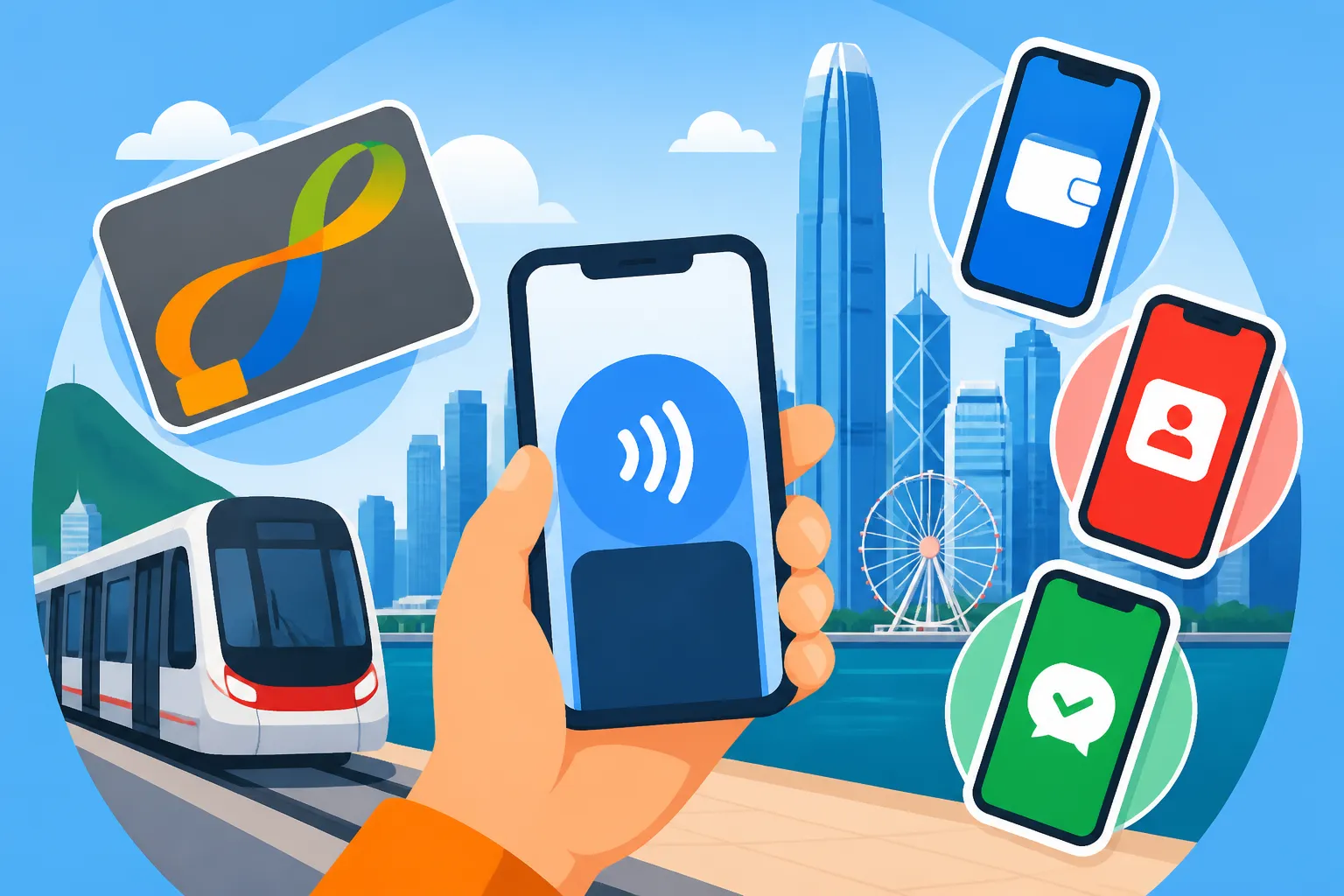
If there is one thing you must do within your first hour of landing at Chek Lap Kok, it is acquiring an Octopus card. Long before Apple Pay or Google Wallet became global standards, Hong Kong was already living in the future with this smart card. Originally designed for the MTR, it has evolved into a ubiquitous payment method that is accepted almost everywhere, from high-end supermarkets to the smallest "hole-in-the-wall" snack shops in Mong Kok.
Types of Octopus Cards for Expats
As a new resident, you have three primary choices: the On-Loan Octopus, the Sold Octopus, and the Smart Octopus (the digital version). The On-Loan card is what most people start with; you pay a HK$50 deposit, and you can return it for a refund when you leave. However, most veterans eventually switch to the Smart Octopus. I highly recommend Adding the Digital Octopus Card to Your Apple Wallet or your Android equivalent as soon as you have your local bank account set up. Having your transit card integrated into your phone means one less thing to carry, and you can check your balance in real-time without hunting for a kiosk.
For those who prefer a physical card but want something a bit more "permanent" or aesthetically pleasing, there are "Sold" versions that often come as keychains or limited-edition designs. These don't require a deposit, but you won't get the purchase price back. Regardless of which you choose, the functionality remains the same. You tap it on the yellow reader, hear the "doot," and you’re done. It is the gold standard for efficiency in a city that moves at 100 miles per hour.
Topping Up and Automatic Add Value Service
The biggest frustration with the Octopus card is the dreaded "Insufficient Balance" beep when you’re trying to exit an MTR station during rush hour. You can top up with cash at any 7-Eleven, Circle K, or MTR customer service center. But the real pro-move is setting up the Automatic Add Value Service (AAVS). This links your card to a local credit card; whenever your balance hits zero or goes negative, it automatically triggers a top-up of HK$250 or HK$500.
I cannot stress enough how much this simplifies your life. It turns your Octopus into a de facto debit card that never runs out of juice. If you are still waiting for your local credit card approval, you can learn about Getting Approved for a Credit Card as a New Resident in HK to see which banks are most expat-friendly. Once linked, you can use your Octopus for everything from your morning coffee to your grocery run at Wellcome, all while earning credit card points or cashback on the auto-reloads.
Peer-to-Peer Payments: Navigating PayMe and FPS
While the Octopus card handles small, everyday transactions, peer-to-peer (P2P) payments are the lifeblood of Hong Kong’s social scene. If you go out for dinner with a group of friends in Soho or Kennedy Town, the bill will inevitably be split. No one wants to deal with cash, and most restaurants won't split a credit card bill ten ways. This is where PayMe and FPS come into play.
Why Every Expat Needs PayMe
PayMe, developed by HSBC, is arguably the most popular P2P app in Hong Kong. Even if you don’t bank with HSBC, you can—and should—download it. It allows you to send money to anyone in your phone’s contact list instantly. It has a social media-like interface where you can add emojis and notes to your transfers. I’ve used it for everything from paying my share of a junk boat trip to buying second-hand furniture from a neighbor.
Setting it up is relatively straightforward, but you will need a Hong Kong mobile number and a local bank account or credit card to "top up" your PayMe wallet. There are limits on how much you can hold in the app and how much you can transfer daily, which usually increase once you verify your identity with your HKID. For a deeper look at how to get this sorted, check out PayMe Limits: Upgrading Your Account with a HKID. It’s a rite of passage for every expat to finally see that "Verified" badge.
The Magic of FPS Faster Payment System
If PayMe is the "fun" social app, FPS is the powerful, invisible engine behind Hong Kong’s banking modernizations. Launched by the Hong Kong Monetary Authority, FPS allows for near-instant transfers between different banks 24/7, for free. Before FPS, if I wanted to send money from my Standard Chartered account to a friend’s Hang Seng account, it took two days and felt like a chore. Now, it’s instantaneous.
You can register your mobile phone number or email address as an "FPS Identifier." This means if someone needs to pay you, you don't have to give them your complicated bank account number; you just give them your phone number. You can also use FPS to pay your utility bills or even your rent. Many landlords now prefer receiving rent via FPS because it’s instant and provides a digital paper trail. If you are still setting up your household, you might find Setting up FPS Auto-Debit for Your Rent and Credit Card Bills incredibly useful for automating your monthly overhead.
The QR Code Giants: AlipayHK and WeChat Pay HK
If you’ve spent any time in Mainland China, you know that QR code payments are king. Hong Kong has adopted its own localized versions: AlipayHK and WeChat Pay HK. It is crucial to understand that these are different from the versions used in the Mainland. Your Mainland Alipay account will not work for local Hong Kong merchants unless they specifically support it, which is why you need the HK-specific apps.
AlipayHK for Daily Errands and Bills
AlipayHK has made massive inroads into the local market by offering aggressive coupons and rewards. I find myself using AlipayHK most often at "wet markets" or smaller local pharmacies where credit cards aren't accepted. It’s also an excellent tool for managing your life as an expat. You can link your electricity, water, and gas accounts to the app and pay them with a single tap.
The app also integrates with the "EasyGo" system for public transport, allowing you to pay for bus and MTR rides using a QR code. While I still prefer the Octopus for its speed, AlipayHK is a great backup. If you are moving from a more cash-heavy society, you should read up on Linking Your Bank Account to AlipayHK and PayMe to ensure your digital wallets are always funded without manual transfers.
WeChat Pay HK and Integration
WeChat Pay HK is the other major player. Since almost everyone in Hong Kong uses WeChat for communication—especially if they have business ties to the Mainland—the payment function is naturally integrated. Similar to AlipayHK, it offers "Red Packets" (Lai See) during Chinese New Year, which is a fun, digital way to participate in local culture.
One of the biggest advantages of these QR platforms is their cross-border functionality. Recently, AlipayHK and WeChat Pay HK have expanded to allow users to pay at millions of merchants in Mainland China using their HKD balance, with the app handling the currency conversion at a decent rate. This is a game-changer for those weekend trips to Shenzhen. However, for larger sums or official business, you’ll still want to know the AlipayHK vs Mainland Alipay: What is the Difference? to avoid any embarrassing "Payment Declined" moments at the border.
| Payment Method | Primary Use Case | Speed | Expat Necessity |
|---|---|---|---|
| Octopus Card | Transport, Convenience Stores, Fast Food | Instant (Tap) | 10/10 |
| PayMe | Splitting bills with friends, small vendors | Very Fast (App) | 9/10 |
| FPS | Rent, Utilities, Large P2P transfers | Instant | 10/10 |
| AlipayHK | Wet markets, Utility bills, Cross-border | Fast (QR) | 7/10 |
| Credit Card | High-end dining, Shopping, Travel | Moderate | 8/10 |
International Transfers and Managing Foreign Currency
As an expat, you aren't just dealing with Hong Kong Dollars. You likely have student loans, mortgages, or savings accounts back in your home country. While local banks like HSBC or Standard Chartered offer international transfers, their exchange rates are often "loaded" with hidden fees that can eat up a significant portion of your hard-earned salary.
Using Wise for Remittances
This is where Wise becomes an essential part of your financial toolkit. I’ve used Wise for years to send money back to the UK and the US, and it consistently beats the banks on price and transparency. The platform uses the mid-market exchange rate—the one you see on Google—and charges a small, upfront fee.
When you first arrive, you might be tempted to use your home-country debit card for everything. Don't do this. The foreign transaction fees will kill your budget. Instead, use Wise to move a lump sum of your initial savings into your new Hong Kong bank account. If you're curious about the technicalities, Wise vs Bank SWIFT Transfers: Cheapest Ways to Send Money provides a detailed breakdown of why the traditional banking system is often a rip-off for individual expats.
Linking Digital Wallets to Foreign Accounts
A common question I get from newcomers is whether they can link their foreign credit cards to PayMe or AlipayHK. The short answer is: sometimes, but it’s expensive. Most local apps will charge a 1.5% to 3% fee for using a non-local card. It’s always better to wait until you have your HKID and a local bank account.
Once you have your local account, you can use Wise to move money in both directions efficiently. For example, if you receive a year-end bonus in HKD and want to invest it in US ETFs, using a combination of a local bank and an international transfer service is the most cost-effective route. For those who are specifically looking to move large amounts, understanding Receiving Foreign Currency Salary into a HK Bank Account is vital for tax planning and avoiding compliance headaches.
Digital Payments vs. Cash: When Do You Still Need Banknotes?
Despite Hong Kong’s high-tech reputation, it remains a "dual-track" economy. There are still pockets of the city where the 1980s never ended, and cash is the only way to get things done. I always keep at least HK$500 in my wallet for emergencies, and you should too.
The Taxi Dilemma and Small Eateries
Taxis are the most notorious holdouts. While some newer "premium" taxis or those booked via apps like FlyTaxi or Uber accept credit cards and Octopus, the vast majority of red taxis you hail on the street are "Cash Only." There is nothing worse than arriving at your destination in a rainstorm only to find out the driver doesn't take cards and you have no cash. Always check Do Taxis in Hong Kong Accept Credit Cards or Only Cash? for the latest updates on which apps allow you to bypass the cash requirement.
Similarly, many traditional "Cha Chaan Tengs" (local tea restaurants) operate on razor-thin margins and refuse to pay the processing fees for credit cards or even Octopus. If you see a laminated menu under a glass tabletop and a frantic waiter with a pencil behind his ear, assume it's cash only. These are often the best places to eat, so don't let a lack of paper money stop you from enjoying a world-class pineapple bun.
Wet Markets and Local Shops
The wet markets of Sham Shui Po or North Point are sensory overloads of fresh produce, seafood, and meat. While AlipayHK has made progress here, many of the older vendors still prefer the tactile certainty of cash. If you’re bargaining for the best price on a kilo of choi sum, having exact change in coins or small bills like the HK$20 or HK$50 can actually help your case.
When you do use cash, you'll notice the variety of banknotes. Three different banks (HSBC, Standard Chartered, and Bank of China) issue their own designs for each denomination. It can be confusing at first, but they are all legal tender. Just be careful with the HK$1,000 note (the "gold" one)—many small shops refuse to accept it because of historical counterfeiting concerns. If you find yourself stuck with these large bills, you can usually break them at an MTR customer service center or by Using the Octopus Card at 7-Eleven and Supermarkets to buy something small.
Security and Tax Implications of Digital Spending
With all your financial data living on your smartphone, security becomes paramount. Hong Kong is generally very safe, but digital fraud is on the rise globally, and this city is no exception. Furthermore, as you spend and move money digitally, you need to keep an eye on how this affects your year-end obligations.
Protecting Your Digital Wallet
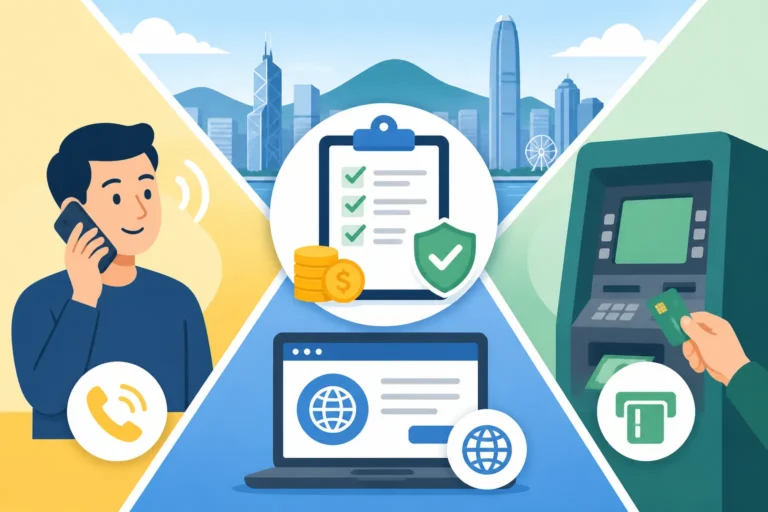
Always enable two-factor authentication (2FA) on your banking apps and digital wallets. Use biometric locks (FaceID or fingerprints) rather than simple pin codes. Expats often lose their phones during a night out in Wan Chai, and while the hardware is replaceable, the stress of having someone access your PayMe or Octopus balance is not.
Be wary of "Phishing" scams. You might receive a WhatsApp message or an SMS claiming to be from the "Octopus Reward Scheme" or "HK Post," asking you to click a link and enter your card details. These are almost always scams. The real authorities will never ask for your password via text. If you're worried about the safety of your assets, you can read more about Scams Targeting Expats: Fake Immigration Calls and WhatsApp Frauds to stay ahead of the latest tactics used by local fraudsters.
Tracking Expenses for Taxes for Expats
From a tax perspective, digital payments are a godsend because they provide an automated record of your life. If you are a US citizen, you still have to file with the IRS regardless of where you live. This is where Taxes for Expats can be a massive help. By using digital wallets, you can easily export your spending history to prove your cost of living or identify tax-deductible expenses like charitable donations or professional fees.
In Hong Kong, the tax year ends on March 31st. Around May, you’ll receive your "green envelope" (the tax return). If you’ve been paying your bills via AlipayHK or FPS, you’ll have a clear record of your Claiming Tax Deductions: Domestic Rent, Elderly Care, and Donations. Keeping these records organized throughout the year—rather than scrambling in May—will save you hours of frustration. Digital payments make this level of organization possible with almost zero effort.
Setting Up Your Financial Ecosystem in the First 30 Days
Your first month in Hong Kong will be a whirlwind of paperwork. To move from "tourist mode" to "resident mode," you need to follow a specific hierarchy of setup. You can't get a proper PayMe account without a local bank, and you can't get a local bank without a proof of address.
The Hierarchy of Setup
- Get a Local SIM Card: You need a +852 number for almost every app registration.
- Get your HKID: This is the key to everything. Book your appointment as soon as you land.
- Open a Bank Account: Start with a traditional bank but consider a virtual bank for speed.
- Register for FPS: Link your phone number to your bank account immediately.
- Download PayMe and Octopus: These will handle 90% of your daily transactions.
For a comprehensive checklist of these steps, take a look at the Essential Health Checklist for Your First 30 Days in Hong Kong which, despite the "Health" title, covers the administrative vital signs you need to stay afloat. Getting your financial life in order early allows you to focus on the fun parts of expat life, like finding the best dim sum or hiking the Dragon's Back.
Digital Payments for Household Utilities
Once you’ve secured an apartment (perhaps in one of the areas mentioned in our Where to Live in HK: Neighborhood Guide for Expat Families), you’ll need to set up utilities. In the old days, this involved taking a paper bill to the post office and waiting in line. Now, you can do it all from your sofa.
The Water Supplies Department (WSD), CLP (for electricity in Kowloon/NT), and HK Electric (for the Island) all support digital payments. You can scan the QR code on your bill using the AlipayHK app or set up a recurring payment via FPS. This ensures you never face a service disconnection because a paper bill got lost in your building’s tiny mailboxes. It’s this level of digital integration that makes Hong Kong one of the most efficient places in the world to live once you know how to navigate the system.
Important Disclaimer
The information provided in this guide is for informational purposes only and does not constitute financial, legal, or tax advice. While I have lived in Hong Kong for many years and keep this information as up-to-date as possible, local regulations and app functionalities can change rapidly. Always verify current fees, terms, and conditions directly with the service providers or professional advisors. Use digital payment platforms responsibly and ensure you have adequate security measures in place to protect your personal data.